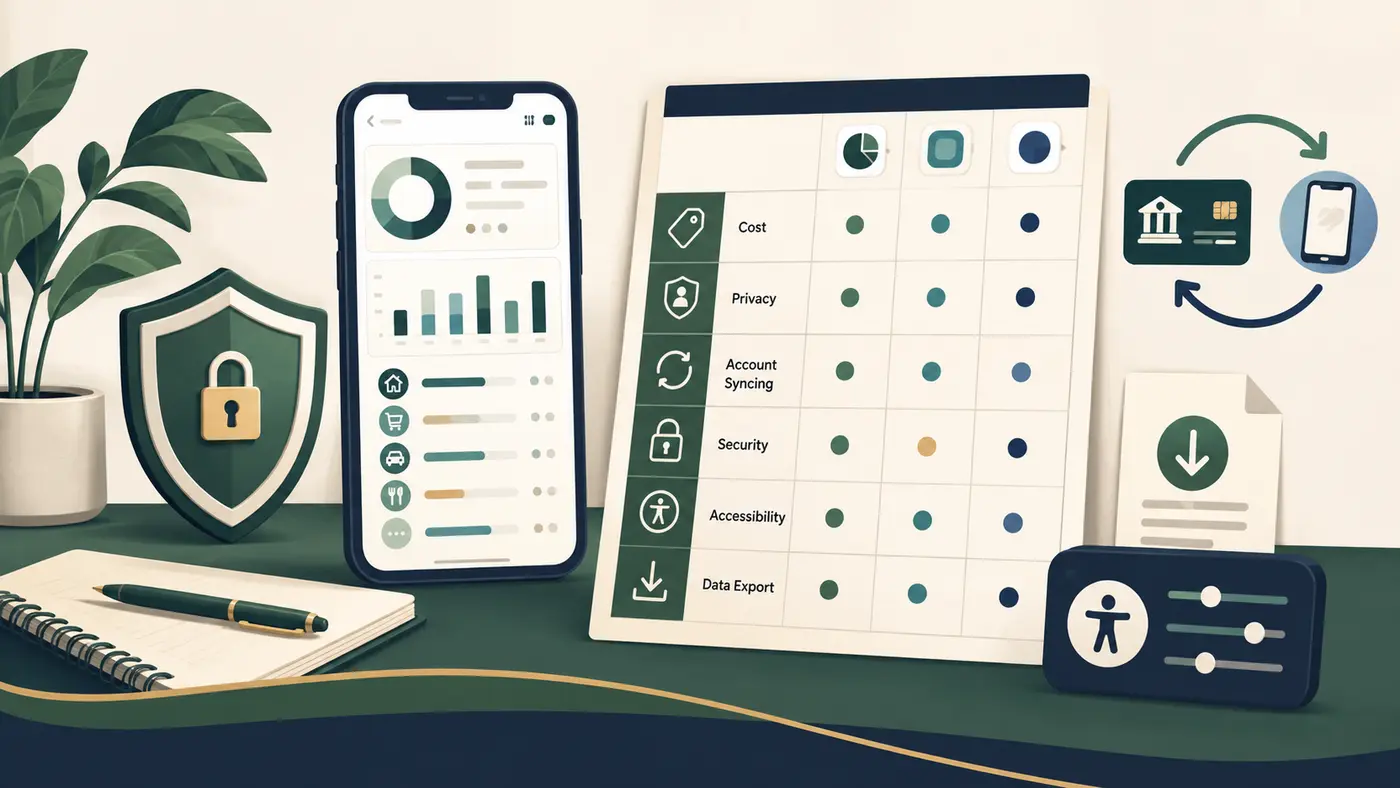
Choose a budgeting app by matching it to your budgeting routine, then comparing the full cost, bank-sync method, privacy terms, security controls, accessibility, support, and exit options. The right choice is the tool you can use consistently without giving up more money or data than the benefit warrants. Start with the MoneyBucket budgeting hub if you still need to choose a budgeting method.
Do you need a budgeting app?
An app can reduce data entry, organize categories, show upcoming bills, or help a household coordinate. It can also add subscription cost, account-linking risk, notification overload, and a system you may not maintain.
An app may help when
- You want transactions gathered in one place
- You need frequent category or cash-flow updates
- More than one person needs shared visibility
- Alerts help you act before a bill or limit
- Manual entry has repeatedly broken your routine
A simpler tool may fit when
- You have few accounts or transactions
- You prefer a spreadsheet, notebook, or bank alerts
- You do not want to link financial accounts
- You need a custom planning period or category system
- You want full local control of your records
Write the job before comparing products. Examples include planning each paycheck, tracking spending after it happens, assigning every dollar, sharing household categories, watching irregular bills, or projecting cash through the next 30 days. Features that do not serve that job are not benefits.
Which budgeting workflow should the app support?
| Need | Feature to test | Failure to watch for |
|---|---|---|
| Plan before spending | Income assignment, category targets, rollover rules, and paycheck timing | The app only reports past spending and cannot represent your plan |
| Track transactions | Automatic sync, manual entry, split transactions, refunds, transfers, and cash | Duplicates, missing transactions, wrong dates, or transfers counted as spending |
| Manage bills | Recurring schedules, due-date alerts, variable amounts, and calendar view | Alerts arrive late or create false confidence that a bill was paid |
| Coordinate a household | Separate logins, roles, shared and private categories, change history | Password sharing, unclear ownership, or one person able to delete the record |
| Plan ahead | Future transactions, sinking funds, debt payments, and cash-flow forecast | The forecast assumes every category and balance is current |
Use a sample month that includes a refund, transfer, cash purchase, shared expense, credit-card payment, and irregular bill. If the workflow becomes confusing during the test, more automation may not fix it.
What does the app really cost?
Record the cost over one full year, not only the introductory price. Check the official pricing and billing pages on the day you subscribe.
- Monthly and annual subscription price
- Free-trial length and the date paid billing starts
- Whether renewal is automatic and where to cancel
- Charges for household access, premium reports, coaching, bill negotiation, or account monitoring
- Refund policy and whether unused annual time is refunded
- Costs to move or export data when you leave
A free app may be supported by advertising, referrals, product placement, or use of customer data. A paid app may still collect or share data. Price alone does not reveal the business model, so read the privacy and product disclosures separately.
How should bank syncing work?
Account syncing may use a separate data provider, direct connection, uploaded file, or manual entry. The app should identify what is connected, what data it receives, how often it refreshes, and how to disconnect it.
- Your bank, credit union, card, loan, and investment accounts are actually supported
- Pending and posted transactions are handled without duplicates
- Transfers and credit-card payments are not treated as new spending
- Sync failures are visible and do not silently age the dashboard
- You can correct categories without losing the original transaction
- Manual import or entry remains available when a connection fails
- The app explains whether it or another provider receives account credentials or access tokens
Ask what happens after a bank password change, closed account, lost phone, or discontinued connection. A displayed balance may be delayed, so use the financial institution’s own records before making a time-sensitive payment or transfer.
Which privacy questions should you ask?
A budgeting app may see transaction descriptions, balances, debts, income patterns, locations, device identifiers, household details, and financial goals. Review the current privacy notice, in-app controls, and account-deletion process before linking data.
- What is collected? List financial data, identity details, device data, contacts, location, diagnostics, and information entered manually.
- Why is it collected? Separate what is needed for the service from analytics, advertising, personalization, referrals, and product development.
- Who receives it? Look for data aggregators, service providers, affiliates, advertising partners, and other third parties.
- How long is it kept? Check retention after account closure, backup practices, and whether deletion has exceptions.
- How do you stop access? Find the steps to disconnect accounts, revoke authorization, delete stored data, and close the app account.
The CFPB’s financial-data sharing guidance notes that deleting an app may not stop data access. It recommends canceling authorization and, where applicable, asking the service to delete collected data. Some financial institutions also provide a dashboard for connected services.
Limit device permissions to what the service needs. The FTC advises checking app permissions and privacy policies to understand how data will be used and shared. Contacts, precise location, camera, microphone, or photo access should have a clear function before you allow them.
Which security controls matter?
No app is risk-free. A security page or lock icon is not a guarantee. Check whether the controls exist in the version and account tier you would use.
| Control | What to verify | Your action |
|---|---|---|
| Sign-in | Multifactor authentication, passkey support, session controls, and login alerts | Use a unique credential, turn on the strongest practical second factor, and protect account recovery |
| Device access | Biometric or PIN lock, timeout, lost-device handling, and active-session list | Use a device lock, install updates, and sign out unknown sessions |
| Account changes | Alerts for new connections, changed email, password reset, or data export | Review unexpected alerts through the official app or site |
| Recovery | Identity checks, recovery codes, support path, and what happens after a phone-number change | Store recovery information safely and keep the recovery email secure |
| Incident response | Breach notices, support contacts, transaction-error process, and status updates | Monitor statements and report unfamiliar activity promptly to the financial institution |
CISA’s Secure Our World guidance recommends strong passwords, a password manager, multifactor authentication, software updates, and phishing awareness. Never give a verification code to someone who contacts you. The FTC says anyone asking for that code to access your account is trying to take over the account.
Can you export your data and leave cleanly?
Test the exit before entering months of history. An export should be useful outside the app and include dates, payees, amounts, categories, notes, and account names in a common format.
- Export a small sample and open it in a spreadsheet.
- Check whether budgets, goals, rules, attachments, and reports export or remain locked in the app.
- Find the account-deletion and subscription-cancellation steps.
- Confirm how linked financial access is revoked.
- Record the support contact and the date your deletion request was completed.
Cancellation, data deletion, and revoking financial access can be separate actions. Complete all three when they apply. Keep the last useful export before closing the account.
Does the app fit accessibility and household needs?
Test the real interface, not only marketing screenshots. Check text resizing, color contrast, screen-reader labels, keyboard support, reduced motion, language, date and currency settings, notification controls, and whether charts have a readable table alternative.
For a household, prefer separate user access over a shared password. Review roles, privacy between users, approval controls, notifications, export ownership, and what happens when a member leaves. Decide who maintains categories, resolves duplicates, reviews alerts, and owns the subscription.
How can you compare budgeting apps in seven days?
- Day 1: define the job. Write three tasks the app must make easier and three data permissions you will not grant.
- Day 2: check terms. Record annual cost, renewal, cancellation, privacy, deletion, and support information.
- Day 3: use limited data. Start with manual entry, a sample file, or one low-activity account when practical.
- Day 4: test messy transactions. Enter a transfer, refund, split purchase, credit-card payment, cash item, and irregular bill.
- Day 5: test security and recovery. Turn on multifactor authentication, review sessions and alerts, and locate recovery options.
- Day 6: export and disconnect. Download the sample, revoke a test connection, and find the deletion controls.
- Day 7: score the fit. Compare time saved, errors, total cost, permissions, accessibility, and whether you will use it weekly.
What belongs on a final comparison sheet?
| Category | Decision question | Evidence to save |
|---|---|---|
| Method fit | Does the app support how you plan, track, review, and share a budget? | Test notes and screenshots of the workflow |
| Annual cost | What will you pay after the trial, including add-ons? | Pricing, renewal, cancellation, and refund pages |
| Sync quality | Are your institutions supported, and are errors clear and correctable? | Connection list, refresh behavior, and test results |
| Privacy | What is collected, why, with whom it is shared, and how it is deleted? | Privacy notice date and settings |
| Security | Are sign-in, recovery, session, update, and incident controls adequate for your use? | Security documentation and enabled settings |
| Access | Can every household member use it comfortably and appropriately? | Accessibility and role test |
| Exit | Can you export records, cancel billing, revoke access, and delete the account? | Sample export and exit instructions |
Frequently asked questions
What is the best budgeting app?
The best fit depends on your budgeting method, accounts, privacy limits, accessibility needs, household setup, and willingness to pay. Compare the current terms and test the workflow before choosing.
Are budgeting apps safe to link to a bank account?
Linking an account creates risk that varies by the app, data provider, connection method, controls, and your own account security. Review permissions, use multifactor authentication, monitor statements, and know how to revoke access.
Can I use a budgeting app without linking accounts?
Many tools support manual entry or file import, but features vary. A spreadsheet or notebook is also a valid option when you prefer not to share account data.
Does deleting a budgeting app stop bank access?
Not necessarily. CFPB guidance recommends canceling authorization and, where applicable, asking the service to delete collected data. Also check the financial institution’s connected-services controls.
What should I export before changing budgeting apps?
Export transactions, dates, payees, categories, notes, account names, budgets, goals, and any tax or reimbursement records you need. Test the file before closing the old account.
Primary consumer guidance
- Consumer Financial Protection Bureau: What to consider when sharing your financial data.
- Federal Trade Commission: Check app permissions and privacy practices.
- Cybersecurity and Infrastructure Security Agency: Secure Our World.
- Federal Trade Commission: Protect verification codes.
- MoneyBucket identity theft protection and account-recovery guide.
Product availability, ownership, pricing, features, and policies change. Verify current terms directly with the provider before subscribing or linking data.