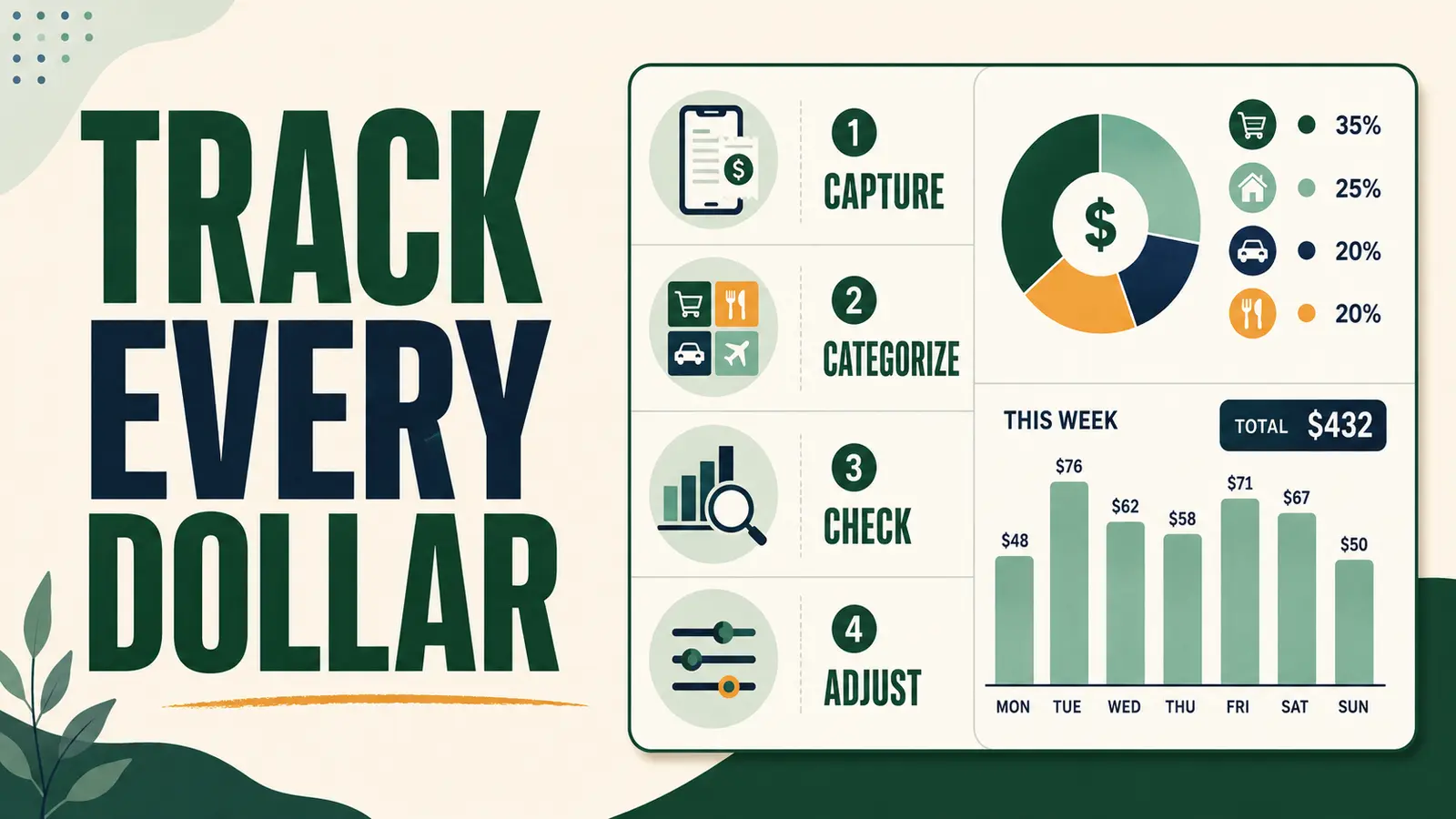
The Guide to Budgeting connects this page with related MoneyBucket guidance. The easiest way to track expenses is to record every purchase in one place, sort each transaction into a small set of categories, and review the totals once a week. You do not need a complicated app or a perfect memory. You need one method simple enough to use when you are busy, tired, or tempted to ignore the numbers.
Start tonight: Open your bank and credit-card activity, record the last seven days of spending, then circle the one category that surprised you most. That single number gives you a useful place to act.
Why Tracking Expenses Changes a Budget
A budget is a plan. Expense tracking shows what actually happened. The gap between those two numbers reveals forgotten subscriptions, rising grocery costs, impulse purchases, irregular bills, and small charges that quietly consume cash.
Tracking is not punishment. It is evidence. When the numbers are visible, you can protect essentials, set realistic limits, and stop guessing whether there is enough money for savings, debt payments, or the next unexpected expense.
Choose One Expense-Tracking Method
The best method is the one you will check every week. Pick one primary system and keep it for 30 days before deciding whether it works.
| Method | Best for | Main caution |
|---|---|---|
| Bank or card activity | People who want the lowest-effort start | Cash purchases and pending charges can be missed |
| Spreadsheet | People who want control and custom categories | Transactions must be entered or imported |
| Budgeting app | People who want automatic account feeds | Review privacy, fees, and account-linking terms |
| Notebook or receipt log | Cash users and people who prefer paper | Totals take longer to calculate |
| Envelope system | People who need firm limits for flexible spending | Online purchases need a separate record |
The Four-Step Expense-Tracking System
1. Capture Every Transaction
Record purchases, bills, transfers, bank fees, tips, subscriptions, cash withdrawals, and debt payments. If you withdraw cash, do not count the withdrawal and every later cash purchase as separate spending. Track one or the other so the same money is not counted twice.
- Enter transactions daily or import them from your accounts.
- Keep receipts only until the charge is matched.
- Mark refunds separately instead of deleting the original purchase.
- Review pending charges before treating the balance as final.
2. Use Categories That Answer a Question
Too many categories create busywork. Start with a short list that separates protected costs from flexible choices:
- Housing: rent or mortgage, utilities, repairs, and household fees
- Food: groceries and dining out
- Transportation: payment, fuel, transit, insurance, parking, and repairs
- Health and care: insurance, medicine, appointments, child care, and personal care
- Debt: credit cards, loans, and required payments
- Savings: emergency fund, sinking funds, and investing
- Flexible spending: entertainment, hobbies, shopping, and convenience purchases
Split a category only when the extra detail will change a decision. For example, separating groceries from restaurants can help if food spending is high. Creating eleven grocery subcategories probably will not.
3. Reconcile the Numbers
Once a week, compare your tracker with your bank, cash, and credit-card activity. Look for missing transactions, duplicates, refunds, fees, subscription renewals, and charges you do not recognize. This step protects the accuracy of your budget and can also catch billing problems early.
If you find a suspicious or failed charge, use the free Get My Money Back app to organize the evidence and next steps.
4. Adjust One Thing
Tracking only matters when it leads to a choice. At the end of each week, compare actual spending with the amount planned. Pick one correction for the next seven days:
- Move money between realistic categories.
- Pause a subscription before it renews.
- Set a lower weekly limit for one flexible category.
- Schedule an overdue savings or debt payment.
- Add a sinking fund for a cost that keeps appearing.
A 10-Minute Weekly Money Check
- Minute 1–3: Add or import missing transactions.
- Minute 4–5: Categorize anything uncategorized.
- Minute 6–7: Match totals to account activity.
- Minute 8: Flag fees, renewals, refunds, and unknown charges.
- Minute 9: Compare actual spending with the weekly plan.
- Minute 10: choose one adjustment and put it on the calendar.
How to Track Cash, Split Purchases, and Transfers
| Transaction | How to record it |
|---|---|
| Cash withdrawal | Track the withdrawal as cash spending or track each cash purchase, but not both |
| Split store purchase | Divide the total only when separate categories will guide a future choice |
| Credit-card payment | Record it as a transfer or debt payment; do not count purchases twice |
| Savings transfer | Label it as savings, not an expense that vanished |
| Refund | Keep the purchase, then add the refund as money returned |
| Shared expense | Track your share and record reimbursement when received |
What to Do When the Numbers Do Not Match
A small mismatch is common. Check pending transactions, tips, cash, fees, automatic renewals, and payments posted on a different date. Add a temporary “needs review” category instead of forcing a guess. Clear that category during the next weekly check.
If the mismatch happens every month, simplify the system. Use fewer categories, schedule the review for the same day, and turn on transaction alerts through your bank or card issuer.
Expense-Tracking Mistakes to Avoid
- Waiting until month-end: small details are harder to remember weeks later.
- Counting transfers twice: moving money between accounts is not new spending.
- Using perfection as the goal: a useful 95% record beats an abandoned perfect system.
- Tracking without reviewing: numbers alone do not change the next purchase.
- Making categories too narrow: the tracker becomes harder to maintain than the budget.
- Ignoring irregular costs: annual fees, repairs, holidays, and school costs still belong in the plan.
Turn Your Spending Record Into a Budget
After 30 days, calculate the average for essential bills, flexible spending, debt payments, and savings. Use those real totals to build or correct your household budget. If pay changes from month to month, pair the record with the irregular income budget guide.
When essential costs leave no breathing room, start with the Save Money guide. If minimum payments are consuming the budget, use the Debt Reduction Strategies guide.
Frequently Asked Questions
How often should I track my expenses?
Capture transactions daily or automatically, then reconcile and review them once a week. A short weekly check usually catches errors before they pile up.
How long should I track spending before making a budget?
Seven days can reveal immediate leaks, but 30 days gives a more dependable starting point. Review several months of statements for quarterly or annual costs.
Do I need to connect my bank account to an app?
No. You can use account statements, a spreadsheet, paper, or bank alerts. If you link accounts to an app, review its privacy policy, fees, security controls, and cancellation terms first.
Should savings count as an expense?
Treat savings as a planned money destination. Label it clearly so you can see that the money was protected, not lost to ordinary spending.
What if tracking makes me anxious?
Use the smallest workable version: check the last seven days, sort purchases into three groups, and choose one next move. The goal is clarity, not judgment.
Start With the Last Seven Days
Open each spending account, record one week, and total the categories. Do not redesign your entire financial life tonight. Find the number that surprised you, choose one correction, and repeat the check next week. That is how a tracker becomes control.
Next: Build the numbers into a plan with the MoneyBucket Budgeting Guide.