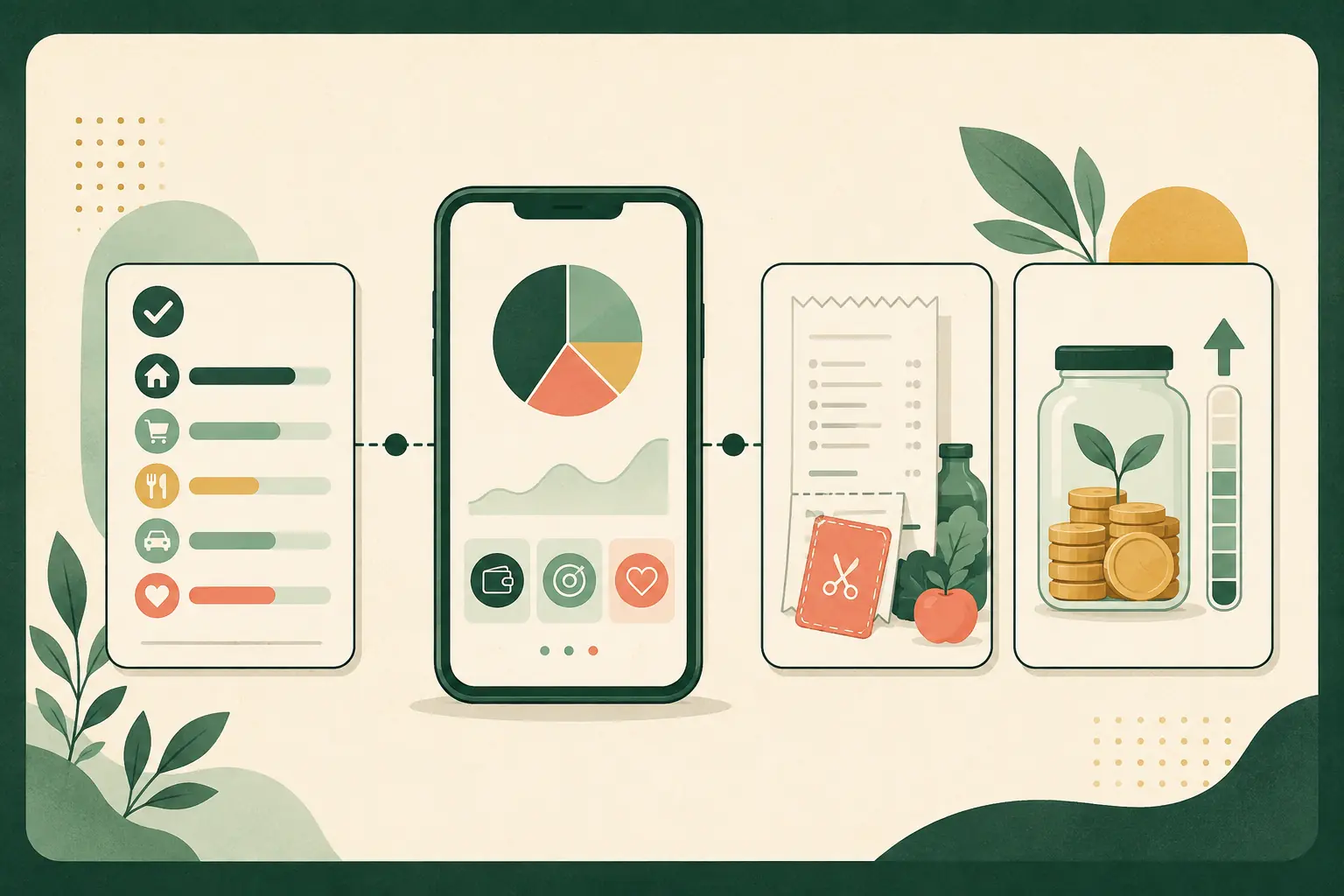
Start with one save-money goal, then choose the app built for that job. A budgeting app cannot find the best grocery sale, and a receipt-rewards app will not stop a forgotten subscription. The 12 active tools below cover budgeting, bills, automatic savings, groceries, gas, coupons and cash back without padding the list with apps that have shut down.
Best Money-Saving Apps Compared Side by Side
Prices and features were checked on August 27, 2026. Introductory offers, partner stores, payout rules and subscription rates can change. Open the provider’s pricing or terms page before signing up.
| App | Best for | Cost | Data or access | Main catch |
|---|---|---|---|---|
| Rocket Money | Subscriptions and basic spending review | Free; Premium usually $7 to $14 monthly | Linked financial accounts for automatic tracking | Successful bill negotiation costs 35% to 60% of first-year savings |
| YNAB | Zero-based budgeting | $109 yearly or $14.99 monthly after a 34-day trial | Bank sync or manual entry | It rewards active planning, not passive monitoring |
| Quicken Simplifi | Cash-flow tracking and spending plans | Paid annual plan; signup and renewal prices can differ | Linked bank, card and investment accounts for full automation | No lasting free tier |
| Monarch Money | Couples and household finances | Paid monthly or annual plan | Linked accounts; partner or adviser sharing is optional | More app than a simple budget may need |
| Goodbudget | Envelope budgeting with a manual option | Free; Premium $10 monthly or $80 yearly | Manual entry on free plan; U.S. bank sync on Premium | Free plan limits envelopes, accounts, devices and history |
| Qapital | Automatic savings rules | Plans start at $3 monthly after a 30-day trial | Linked checking account and identity verification | A monthly fee can erase gains from a small savings habit |
| Ibotta | Grocery and retail cash back | Free | Receipts or linked store loyalty accounts | Cash-out starts at $20, and offers may favor selected brands |
| Fetch | Low-effort receipt rewards | Free | Receipt images and purchase data | Rewards center on gift cards rather than direct cash |
| Rakuten | Online shopping cash back | Free | Shopping session tracking through its site, app or extension | Exclusions and outside coupon codes can cancel cash back |
| Upside | Gas, grocery and restaurant offers | Free | Location, claimed offer and payment matching | Offers depend on participating businesses near you |
| Flipp | Weekly ads, local prices and shopping lists | Free | Location or ZIP code and store preferences | It finds sales but does not enforce a spending limit |
| Capital One Shopping | Coupon testing and online price checks | Free; no Capital One account required | Browser or app shopping activity | Rewards are often redeemed as gift cards, not cash |
- The service had to be active for U.S. users with a live first-party product or support page.
- Each app needed a clear money-saving job, not a vague promise to make users better with money.
- Cost, required access, payout friction and a realistic drawback had to be identifiable.
- The list favors different jobs instead of repeating dozens of near-identical budget trackers.
- Discontinued names from the old guide, including Mint, Clarity Money, Mvelopes, Twine and Prism, were removed.
This is an editorial comparison of public features and pricing. Results depend on spending patterns, local participation, account connections and consistent use.
The 12 Best Money-Saving Apps by Job
1. Rocket Money
Rocket Money puts recurring charges, spending and a basic budget in one place. That makes it useful when the first problem is not knowing where the money went. The free tier covers core tracking. Premium adds cancellation help, more budget controls, net-worth tracking and other features.
- Choose it if: forgotten subscriptions and scattered spending are the main leaks.
- Cost check: Premium usually runs $7 to $14 monthly. Bill negotiation is separate and, when successful, costs 35% to 60% of the first year’s savings.
- Skip it if: you want a zero-based plan before each dollar is spent.
2. YNAB
YNAB gives every available dollar a job and asks the user to update the plan as life changes. It is a stronger fit for people who want to decide before spending, rather than review categories after the money is gone. One subscription can be shared with up to five other people through YNAB Together.
- Choose it if: you will review the plan weekly and adjust categories.
- Cost check: $109 yearly or $14.99 monthly after a 34-day trial.
- Skip it if: you want a free, mostly passive spending dashboard.
3. Quicken Simplifi
Quicken Simplifi combines account tracking, bills, subscriptions, savings goals and a forward-looking spending plan. It can suit someone who wants automation without adopting a strict zero-based method. The service is web-based and also works through mobile apps.
- Choose it if: upcoming bills and available-to-spend estimates matter more than envelope rules.
- Cost check: it requires an annual subscription. Introductory and renewal prices can differ, so compare the checkout price with the full renewal rate.
- Skip it if: you need a permanent free plan.
4. Monarch Money
Monarch can combine separate and joint accounts, shared goals, transaction review and household budgets. A partner or adviser can join without an added seat fee. The app offers category budgeting and a looser flex-budget option.
- Choose it if: two people need one view without sharing a bank password.
- Cost check: Monarch is paid-only, with monthly and annual plans after its trial.
- Skip it if: one person needs only a basic spending list.
5. Goodbudget
Goodbudget recreates the envelope method on phones and the web. Its free plan lets a user work manually with 10 regular envelopes, 10 annual or goal envelopes, one account, two devices and one year of history. Manual entry can be a benefit when you do not want another app connected to a bank.
- Choose it if: envelope limits make spending choices easier.
- Cost check: Premium is $10 monthly or $80 yearly and adds U.S. bank sync plus higher limits.
- Skip it if: automatic account import is required on a free plan.
6. Qapital
Qapital moves money toward goals using rules, such as rounding up purchases or scheduling deposits. It can work for someone who saves more reliably when the transfer happens without a fresh decision every payday.
- Choose it if: automation is more valuable than another spending report.
- Cost check: plans start at $3 monthly after a 30-day trial.
- Skip it if: a no-fee transfer at your bank can do the same job. Even a small monthly fee needs to earn its place.
7. Ibotta
Ibotta lists cash-back offers for groceries and other purchases. Users add eligible offers, shop, then submit a receipt or link a supported loyalty account. Rewards can be withdrawn after the balance reaches $20.
- Choose it if: offers match products already on your list.
- Cost check: the app is free.
- Skip it if: a rebate will tempt you into a pricier brand or an item you did not plan to buy. Pair it with a written list from the grocery savings guide.
8. Fetch
Fetch awards points for eligible receipts and online purchases, then lets users exchange points for gift cards and other rewards. It requires less offer selection than Ibotta, which lowers the effort but can also lower control over the exact return.
- Choose it if: snapping receipts is the only repeatable habit you will keep.
- Cost check: the app is free.
- Skip it if: you want direct cash or do not want receipt purchase data used for retail and brand insights.
9. Rakuten
Rakuten shares part of the commission it receives when a member starts an eligible shopping trip through Rakuten and completes a qualifying purchase. It works through the website, app and browser extension. Confirmed rewards can be paid on Rakuten’s schedule or redeemed through available options.
- Choose it if: you were already going to buy from a participating store.
- Cost check: membership is free.
- Skip it if: activating a reward encourages an unplanned purchase. Outside coupon codes, blocked tracking or excluded products can void the reward.
10. Upside
Upside shows nearby cash-back offers for gas, groceries and restaurants. A user claims an offer before paying, completes the purchase with a supported payment method, then waits for the transaction to be verified.
- Choose it if: participating locations are already on your route.
- Cost check: the app is free.
- Skip it if: a longer drive, higher starting price or extra purchase would erase the reward. Compare the final price, not the bright cash-back number.
11. Flipp
Flipp gathers weekly ads, local deals, coupons and shopping-list tools. It is useful before a grocery or household trip because it can compare advertised prices without linking a bank account.
- Choose it if: you plan purchases around a list and can switch stores when the total savings justify the trip.
- Cost check: the app is free.
- Skip it if: browsing sale pages leads to extra purchases. A sale is not a saving when the item was never needed.
12. Capital One Shopping
Capital One Shopping tests coupon codes, compares selected prices and offers Shopping Rewards at participating merchants. It is free for everyone and does not require a Capital One bank or card account.
- Choose it if: you want coupon checks to happen at online checkout.
- Cost check: the service is free.
- Skip it if: you do not want a shopping extension reading activity on merchant pages. Review browser permissions and remember that rewards are often gift cards rather than cash.
Choose the Right App in Five Minutes
- Name one leak. Pick subscriptions, groceries, gas, online shopping, overspending or inconsistent saving. Do not install three apps for three problems on day one.
- Choose the least access needed. A local-ad app may need a ZIP code. A receipt app needs purchase details. An automated budget may need account connections. More access should buy a clear benefit.
- Calculate the paid-app hurdle. A $109 yearly budget app must help recover more than $109 in a year, or save enough time and stress to justify the fee.
- Run a 30-day test. Record the fee, verified cash back, canceled charges and spending avoided. Ignore projected or pending rewards.
- Keep one winner. Delete apps that create more notifications, browsing or shopping than savings. Remove unused bank connections and browser extensions too.
How to Protect Your Data When Using a Savings App
A free app still has a business model. It may earn merchant commissions, use shopping data to measure consumer behavior, charge for premium features or collect a share of negotiated savings. Read the money flow and the data flow before connecting an account.
- Check whether bank linking is required or whether manual entry works.
- Use a long, separate password and turn on multifactor authentication when offered.
- Review app permissions for location, photos, email and browser activity. The Federal Trade Commission recommends turning off access an app does not need.
- Use official account-linking screens. Never send bank credentials through email, text or chat.
- Watch statements after linking an account, especially during the first month.
- When you stop using the app, disconnect the account, remove the browser extension and close the app account if needed. The Consumer Financial Protection Bureau’s financial-data guidance explains why control over shared account data matters.
What a Money-Saving App Cannot Fix
No app can make an unworkable budget fit, correct missing wages on its own or make high-interest card debt cheap. If the problem is cash flow, start with the budgeting guide. If a paycheck may be missing regular or overtime hours, check the math with Paycheck Proof. Use an app only after the real problem is named.
Money-Saving App Questions
What is the best free money-saving app?
Rocket Money is a strong free starting point for finding subscriptions and reviewing spending. Ibotta fits grocery cash back, Flipp fits local sale comparison, Rakuten fits online cash back, and Capital One Shopping fits automatic coupon checks. The best free app depends on the job you need it to do.
Which money-saving app does not require a bank connection?
Flipp can compare local ads with a ZIP code or location, and Goodbudget supports manual budgeting. Receipt apps such as Fetch and Ibotta can work through receipt submission, though some features may ask for loyalty or account links. Check each permission before enabling it.
Are paid budgeting apps worth the cost?
A paid app is worth considering when its verified yearly savings exceed its yearly fee, or when the time and clarity it provides are worth the cost to you. Test it for one billing cycle and count only canceled charges, spending avoided or money actually saved.
Can money-saving apps make you spend more?
Yes. Limited-time offers, streaks, points and cash-back alerts can turn saving into another reason to shop. Start with a list, compare the final price and ignore rewards on purchases you did not plan to make.
Is it safe to link a bank account to a budgeting app?
No connection is risk-free. Review the app’s security and privacy pages, confirm what data it can access, turn on multifactor authentication, monitor statements and remove access when you stop using the service. Use manual entry when the added automation is not worth the access.
How many money-saving apps should I use?
Start with one. Add a second only when it has a different job, such as one budget app plus one grocery comparison app. Too many tools create duplicate alerts, extra data sharing and rewards that are hard to track.
Update note: App availability, prices, reward rates and partner stores were checked on August 27, 2026. Confirm current terms with the provider before connecting an account or paying for a plan.